7 sanity checks you're almost certainly overlooking on your transitions checklist
You didn't start a career in hospitality to chase down spreadsheet updates. If you're like us, you got into it to deliver world-class experiences for your guests. Bring order to your chaotic transitions with Pacer.
Do you feel like your transitions checklists and spreadsheets need a PIP of their own? Pacer built a checklist in partnership with the University of Houston's College of Global Hospitality Leadership, a leading hospitality program. After a critical review, even this expert-designed checklist had blind spots that most teams miss. Here's a look at seven of them, free to read, no strings attached.

Blind spots, hiding in plain sight in Excel
Managing property transitions often feels like you're one hiccup from the whole timeline escaping you. That feeling usually comes from growth outpacing process. Keep reading to see five of the gaps we found. Or, get all 7, plus recommended quick fixes, as a complimentary PDF, no email required.
None of these gaps are complicated to spot in someone else's checklist. In your own, a checklist that has been in use for years starts to feel complete simply because it is familiar.
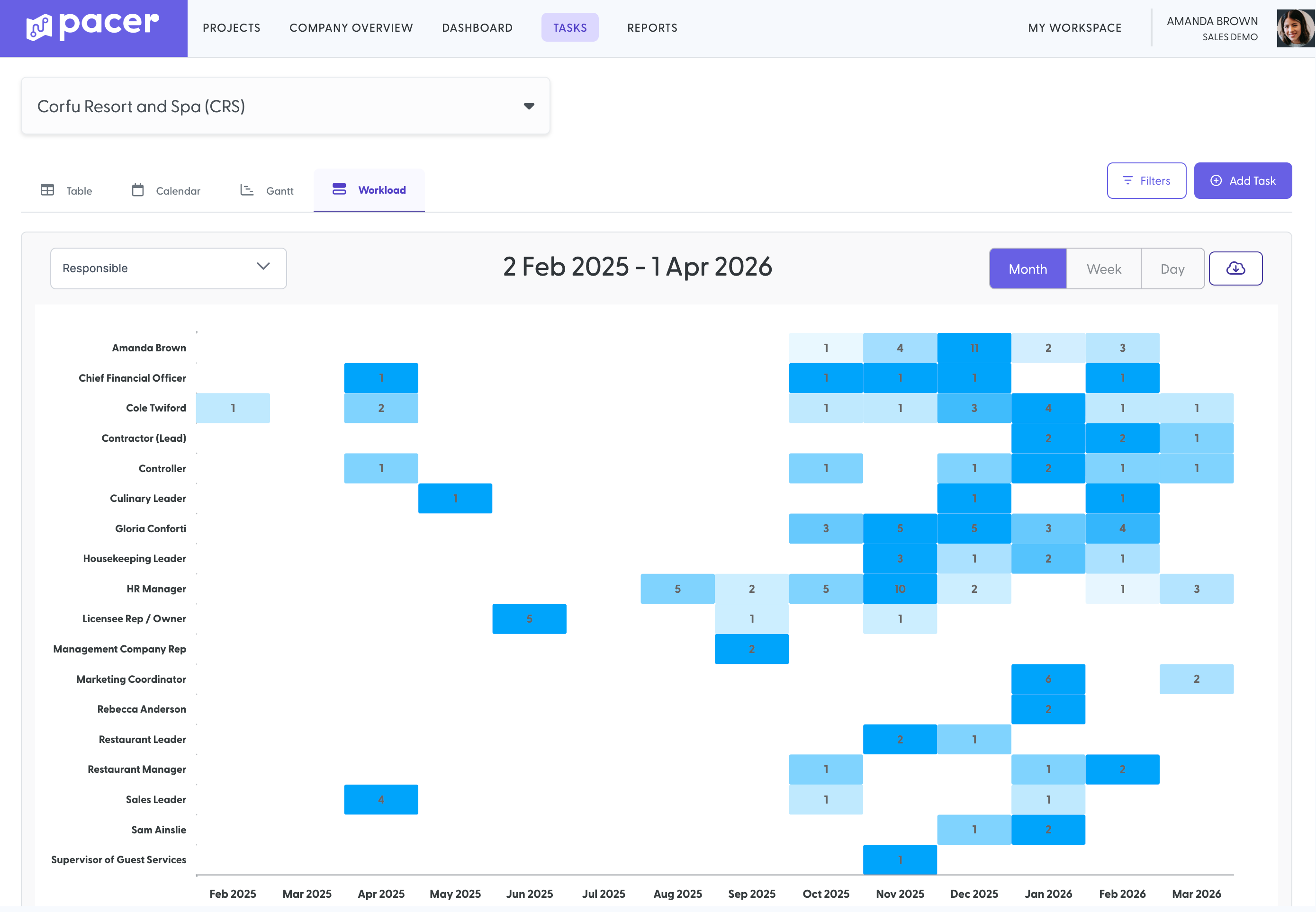
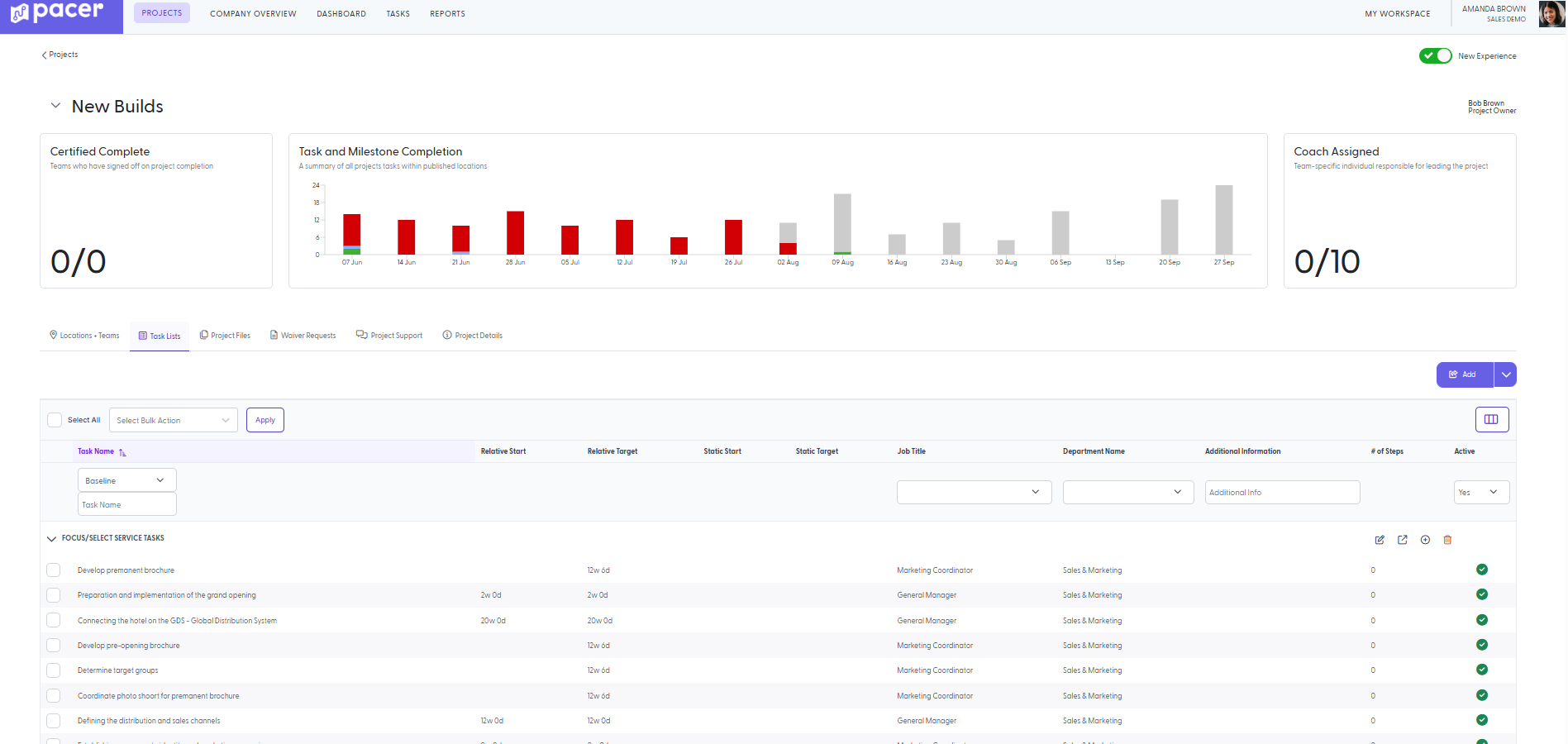
No flag for which tasks are actually milestones: Not every task carries the same weight. If your checklist treats all tasks as equally urgent, your team has no way to triage under pressure.
Tasks with no description or stated reason why they matter: A task that says what to do without saying why leaves a busy manager to guess which corners are safe to cut.
No visibility into how tasks depend on each other: When one task runs late, the real damage is the three others that nobody realized were waiting on it.
Timelines that don't move when the zero date does: Almost every zero date shifts at least once. When it does, someone has to manually recalculate every deadline, or half the checklist immediately falls out of sync.
No single, current version in use: Even a well-built checklist fails if half the team works off a version from three revisions ago. Once it's emailed around and edited in isolation, "the checklist" stops meaning one thing.
What these gaps actually cost you
A messy transition rarely costs you one clean line item. The cost shows up as a vendor order placed for the wrong finish because nobody flagged the change in time. The front desk team hired three weeks too early, sitting on payroll before there's a building to staff, or three weeks too late, scrambling to train people the week before doors open. The website that goes live two weeks late, quietly losing every booking that would have come in during that window. The handoff where the property team should have taken the keys from the onboarding team, and didn't, so no one was fully accountable for the property for a few days. On a spreadsheet, none of this is labeled a checklist gap. It appears as a slower ramp, frustrated new hires, and a first impression the property cannot redo.
Use this knowledge today, without becoming a Pacer customer.
Grab the full PDF for all seven, or take the two-minute Control Score assessment to see where your own team stands right now. Both are free, no obligation.
Every gap here comes from a real checklist audit.
We pulled apart a checklist built in partnership with a hospitality program, one used across thousands of real transitions, and found the same blind spots that show up almost everywhere. They come from multi-location growth outpacing the tools that track it. Every item on this list, and everything we build, gets checked against one question: does it give a team control of a property from the moment they sign on to it?
Built from a real 250-plus item checklist audit
Grounded in patterns across thousands of real-world projects
Complimentary insights from our team boasting 50+ years of industry experience