
Everything for everyone.
Pacer provides straightforward, actionable solutions to complex problems connecting stakeholders to successful, best outcomes from rollout to completion.
The intuitive design and easy-to-use interface let leaders collaborate with teams/locations anywhere in the world to keep tasks moving at a steady pace and projects finishing on time.
Say goodbye to sending endless streams of emails. By providing location teams a streamlined way to action tasks, leadership gains enhanced transparency, reporting, and flexibility — a win-win for everybody.
C-level Executives
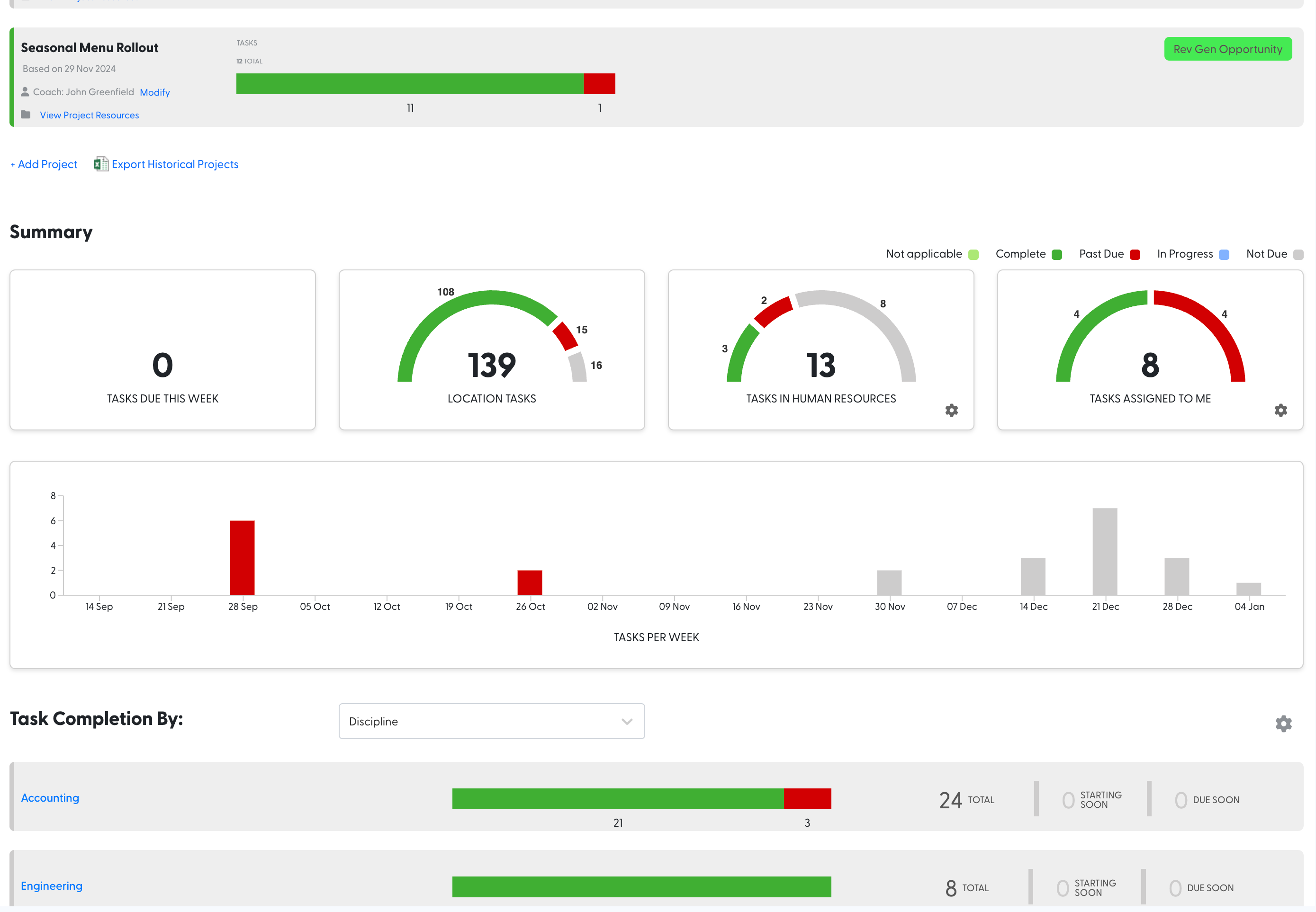
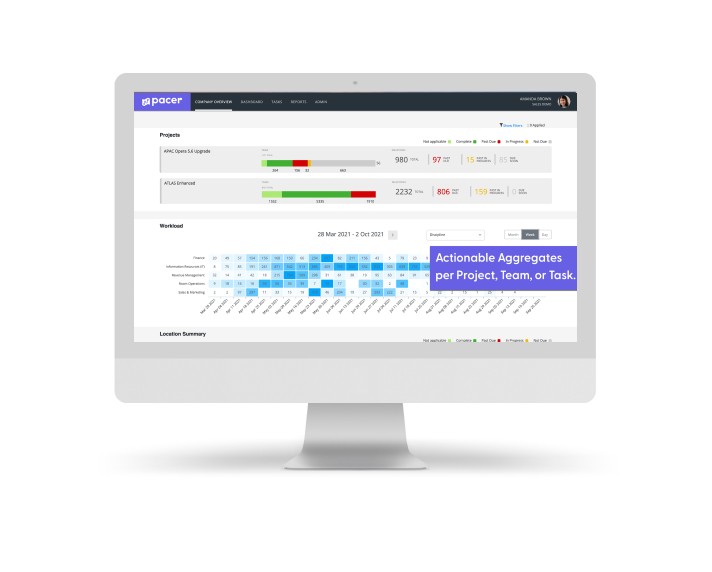
Growth across multiple locations creates distance from the day-to-day, and with that comes risk. Delays, uneven execution, and blind spots in performance quietly erode returns. Pacer brings order and visibility to that complexity. It creates a clear line of sight from strategy to execution across every location, so leaders can see where progress is real, where it is lagging, and where intervention matters. The result is not just better reporting, but greater confidence that investments are being carried out as intended and delivering the outcomes they were meant to achieve.
Brand Leaders
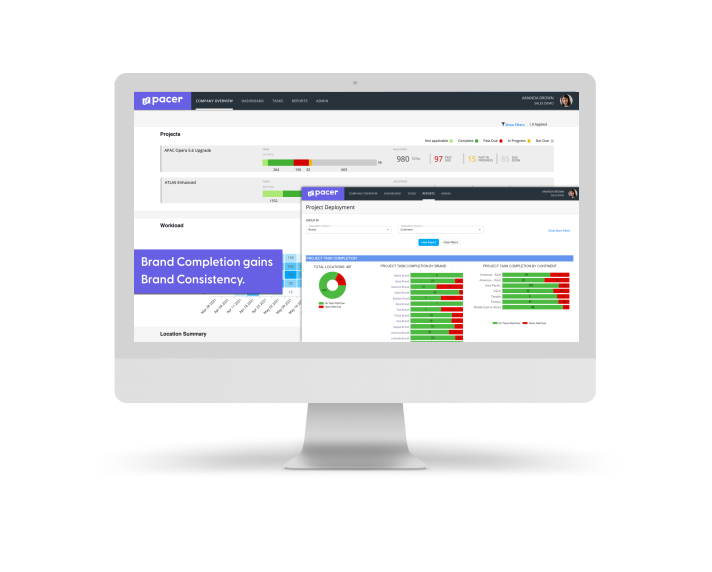
Maintaining brand integrity across a distributed footprint is a constant challenge. Even strong strategies can lose their shape as they move from corporate vision into local execution. Pacer helps ensure that what is designed at the brand level is carried through consistently in the field, while still allowing teams to adapt to real-world conditions. It reduces the noise, clarifies expectations, and reinforces accountability so that every location reflects the standards and experience the brand stands for.
Project Manager
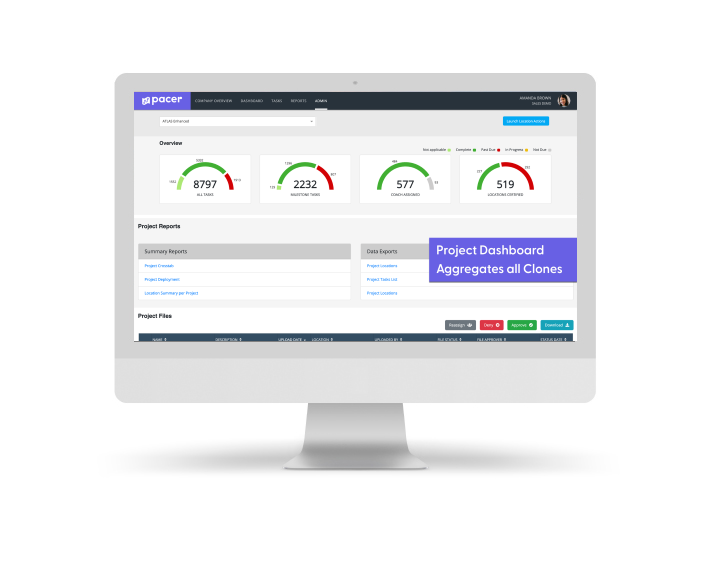
Managing complex rollouts across dozens or hundreds of locations often becomes an exercise in chasing updates, reconciling versions, and trying to spot issues too late. Pacer replaces that fragmentation with a single, controlled environment where projects can evolve without losing structure. It allows work to start earlier, adapt as conditions change, and stay aligned across all teams without constant manual effort. With clear visibility into progress and bottlenecks, project managers can spend less time coordinating and more time ensuring the work is done well.
Team/Location Users
At the property level, the challenge is rarely willingness. It is clarity and focus. When information is scattered across emails, spreadsheets, and conversations, it becomes difficult to know what matters most or what comes next. Pacer simplifies that experience by bringing relevant tasks, timelines, and context into one place. It removes guesswork, reduces distractions, and helps teams stay focused on the work that directly impacts their opening, transition, or daily operations.

Administrators
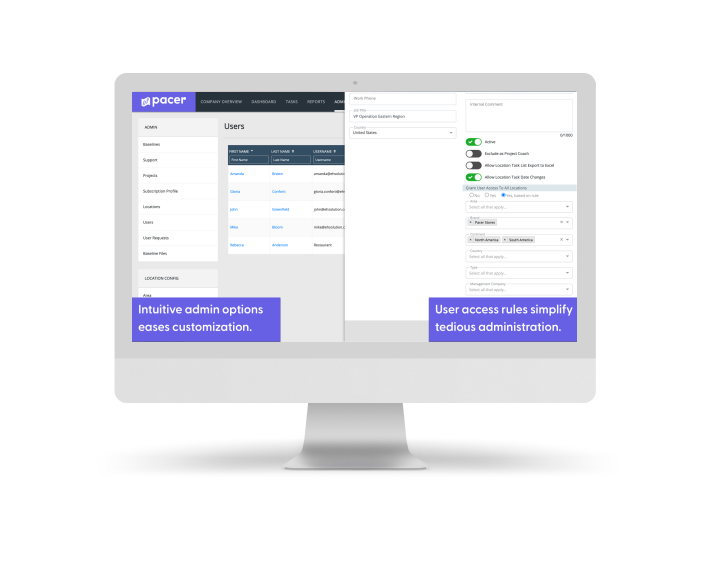
Behind every large rollout is a significant amount of system upkeep that often goes unnoticed but consumes time and attention. Managing access, updating timelines, and maintaining consistency across locations can quickly become a job in itself. Pacer reduces that burden by building structure into the system so it scales with the organization. Changes can be made once and applied broadly, access is governed with clear rules, and ongoing maintenance becomes far more manageable. This allows administrators to support the business effectively without being pulled into constant manual work.