
How do I set my Favorite Departments?
Goal
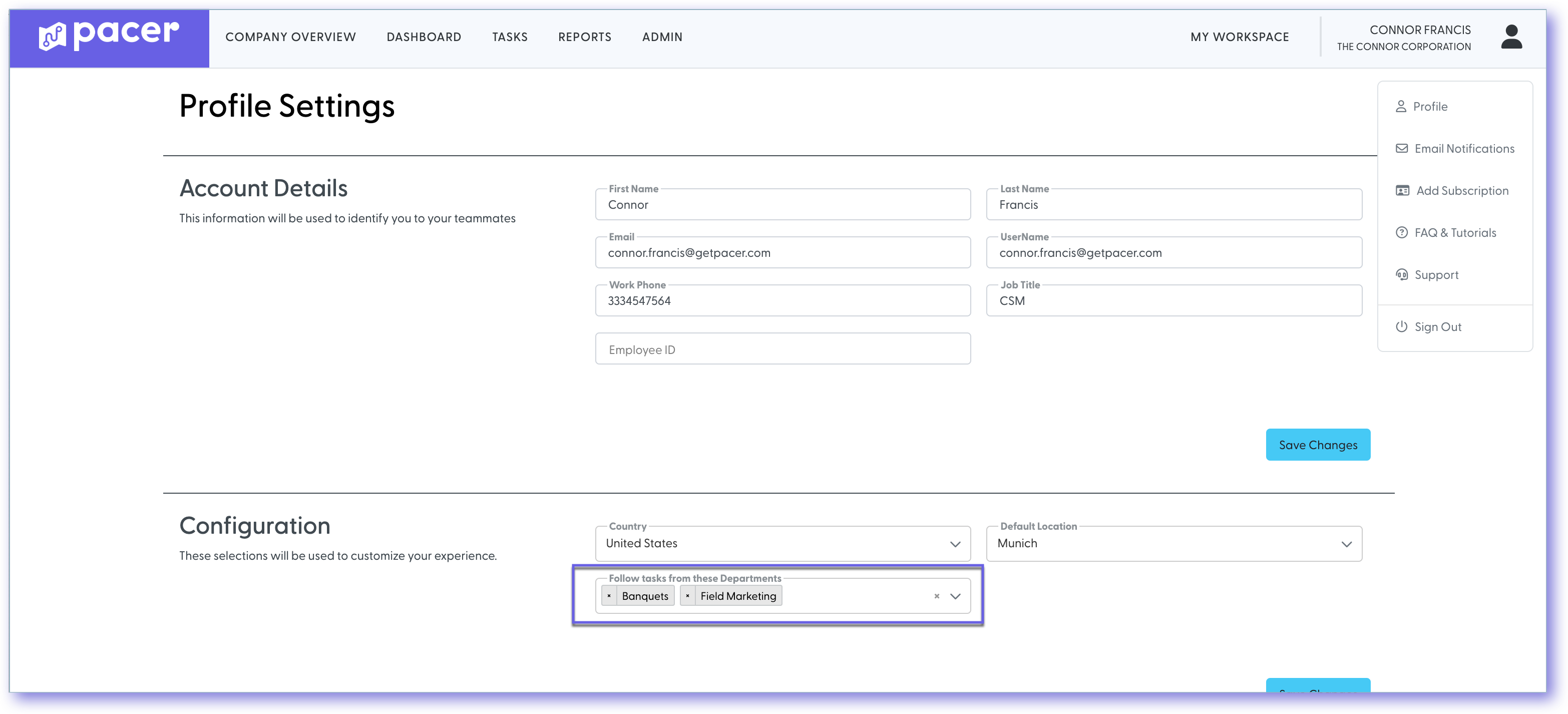
Update your profile with your favorite departments. This will effect your daily digest, weekly digest, and some graphs on your dashboard page.
How to
- Select the User Icon at the top right
- Select Edit Profile
- In the Configuration section, select the departments of your choosing in the “Follow Tasks from these Departments” dropdown
- Select Save Changes button
By setting your favorites, you can quickly view the tasks assigned to your Favorite Departments, by hovering over Tasks on the header menu and Select My Following Tasks [Desktop only]. In addition, the progress of your favorite departments’ tasks will appear in a graph on the Dashboard.
Still need help?
Our Client Success team is available 24/7/365 and happy to walk you through it.
Contact support