
What you set, what Pacer does, and what stays put
You choose the start date
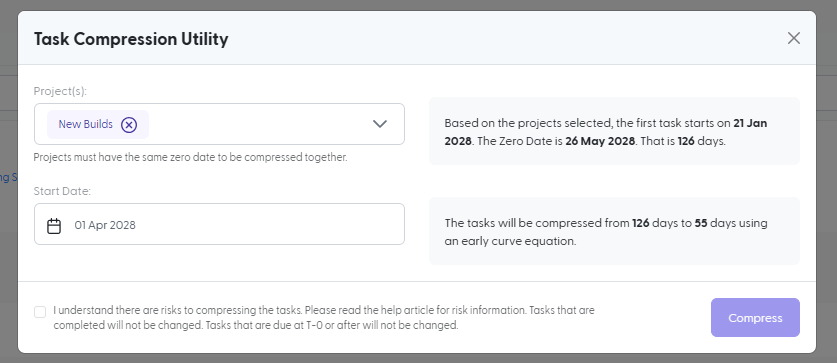
Pick the date you want task work to begin. The screen shows the project's current first task date and zero date, so you know exactly where you are starting from.
Pacer protects the final stretch
Open tasks are redistributed across the new, shorter timeline on an early curve. Tasks due far out move the most, and tasks closest to your zero date move the least, so the final weeks do not become a pileup. Tasks already marked Complete or Not Applicable are left out.
The zero date stays put
Your zero date does not change, so the date you committed to stays the date your team works toward. Tasks due on or after it are not affected, either.

Find the project that is behind, then bring it back
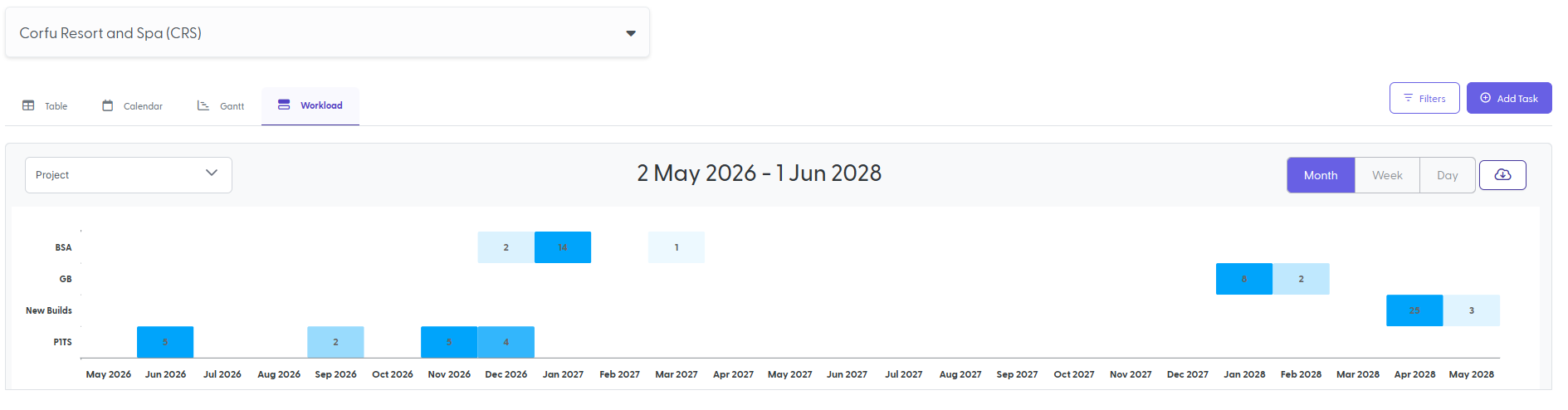
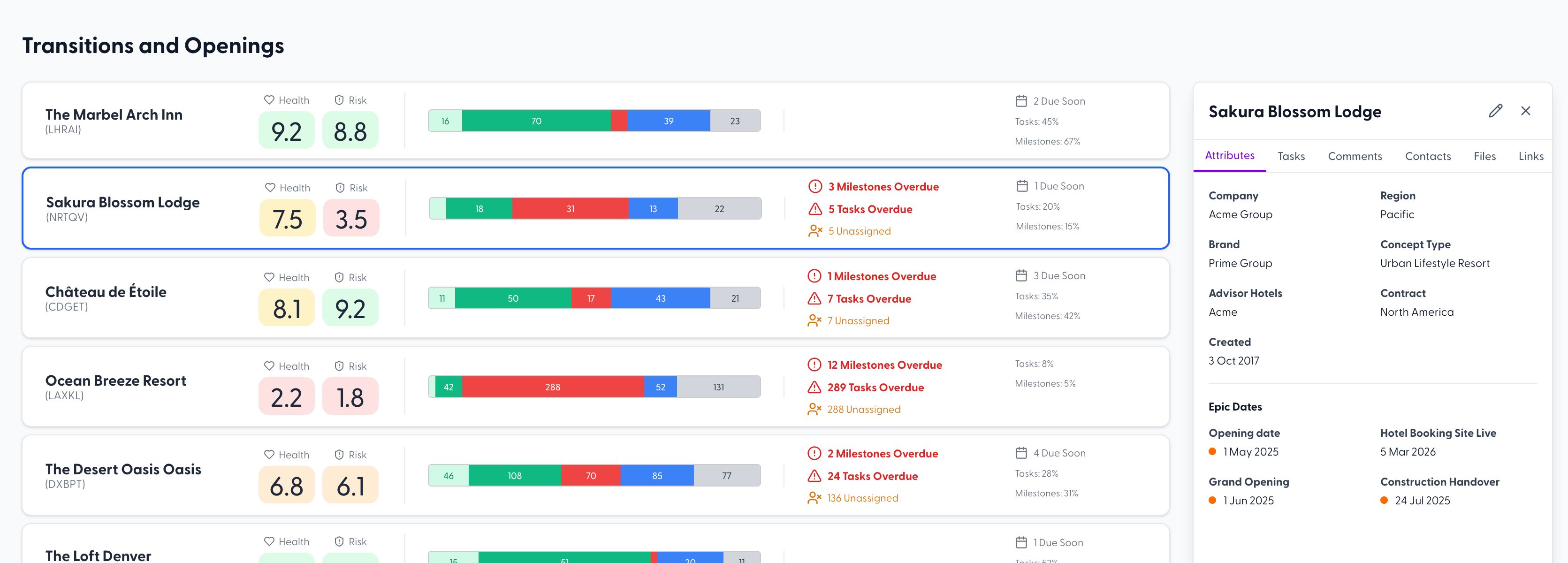
Health Score and Risk Score show which locations and projects are slipping, rolled up in one view so nobody has to wait for a status call to find out. When the zero date cannot move, Task Compression is how you respond: one action on the project, instead of rebuilding the schedule by hand.
Keep the date you committed to, and rebuild the schedule around it
Task Compression is one part of Pacer, multi-site project management software built for hospitality and franchise operators. See how Pacer works as franchise project management software for openings, transitions, and rollouts.