
How do I change the primary agent for support cases?
This function is only available to Owner user types
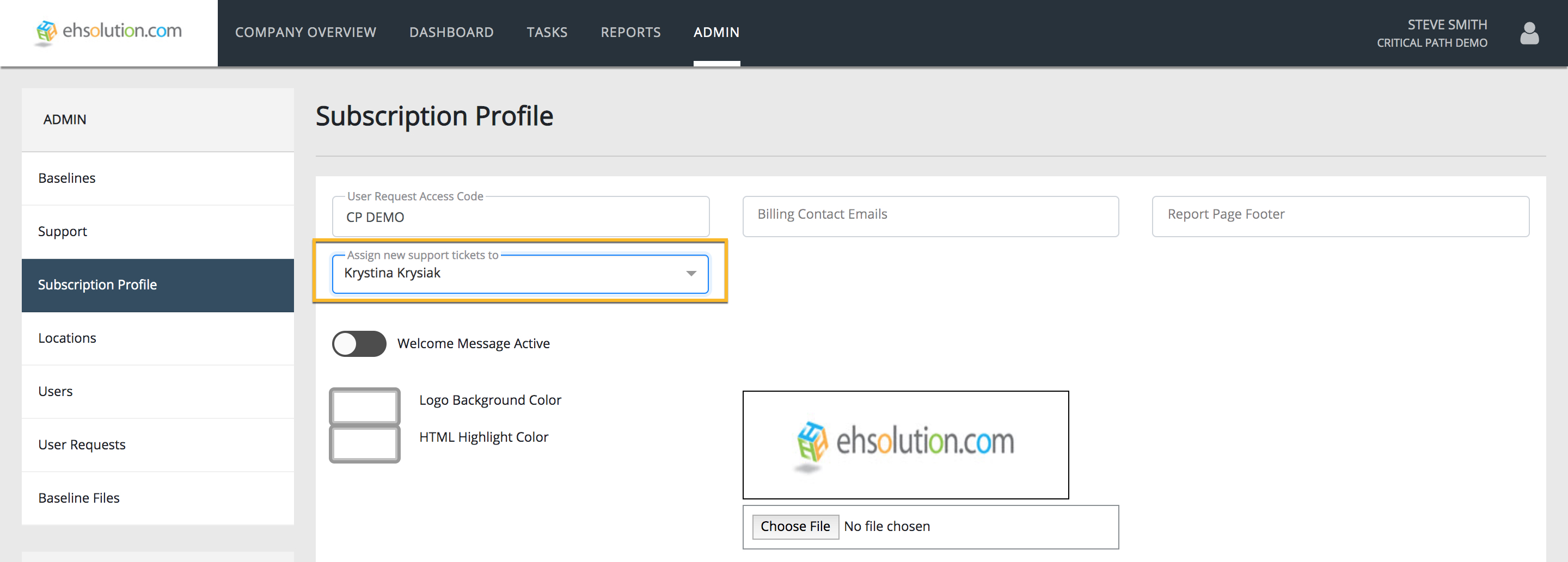
- Navigate to Admin > Subscription Profile
- Select the Admin of your choice with the “Default Agent” dropdown
- Select the Save button
Still need help?
Our Client Success team is available 24/7/365 and happy to walk you through it.
Contact support