
How do I see my tasks across multiple locations?
- Navigate to the Tasks page
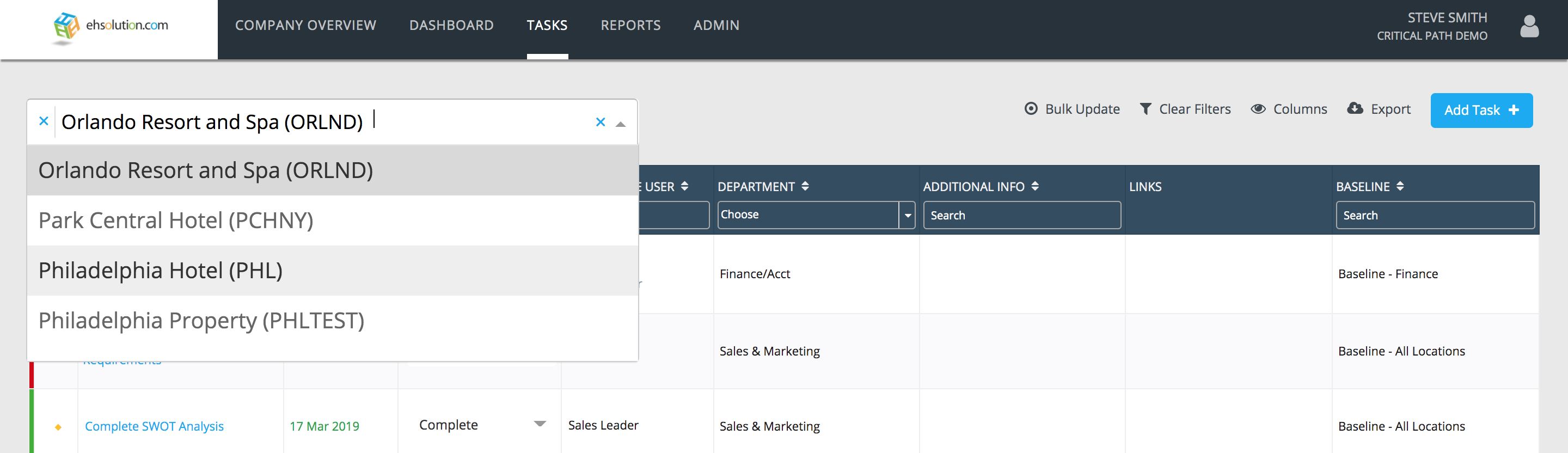
- Select the Location selector at the top of the page
- Search for the locations that you’d like to view and select them
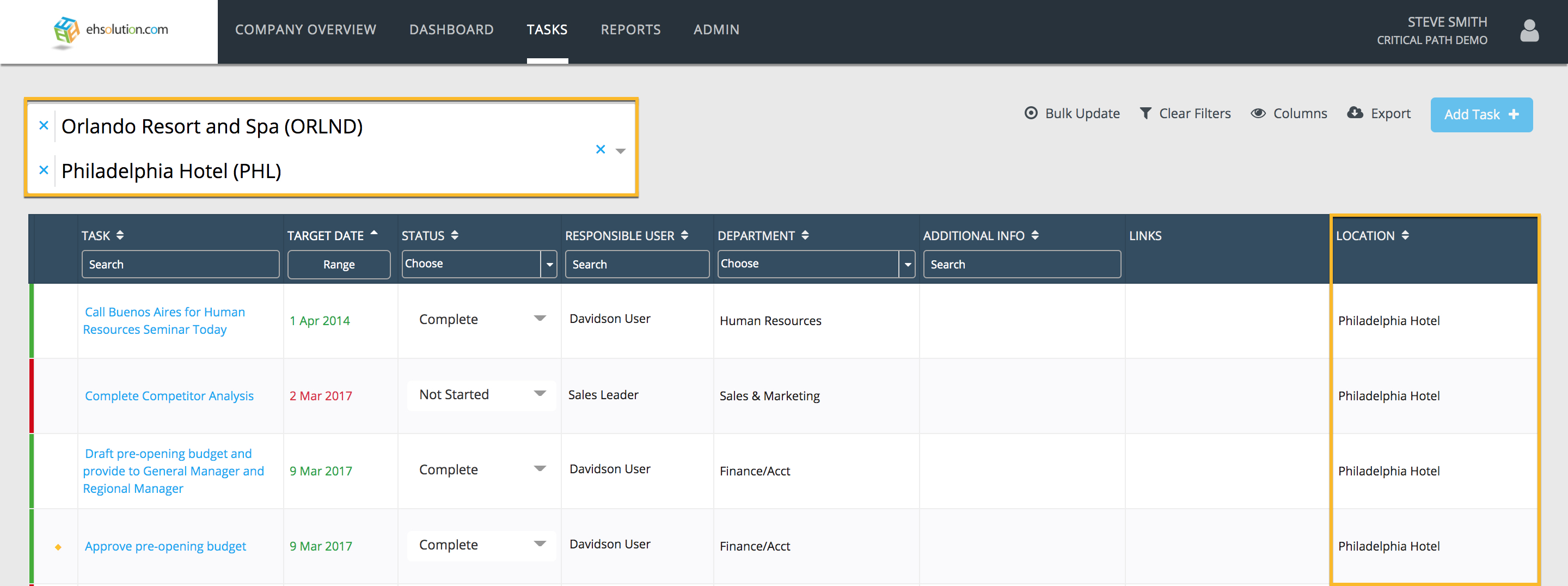
- The Tasks page will now show tasks across multiple locations. The specific location for each task will be listed in the Location column.
Still need help?
Our Client Success team is available 24/7/365 and happy to walk you through it.
Contact support